
Encrypted, with a key only you hold
Your practice is encrypted with a key that only your passphrase — or your 12-word recovery phrase — can unlock. Sala locks itself when you step away.
Sala is a free practice app for psychologists and psychotherapists: a folder for each patient, a page for each session, sticky notes for what to ask next time, and a calendar. Everything stays on your computer, encrypted — no account, and no internet connection needed.
Windows and macOS versions are on the way.
The Linux beta is on its way; Windows and macOS will follow.
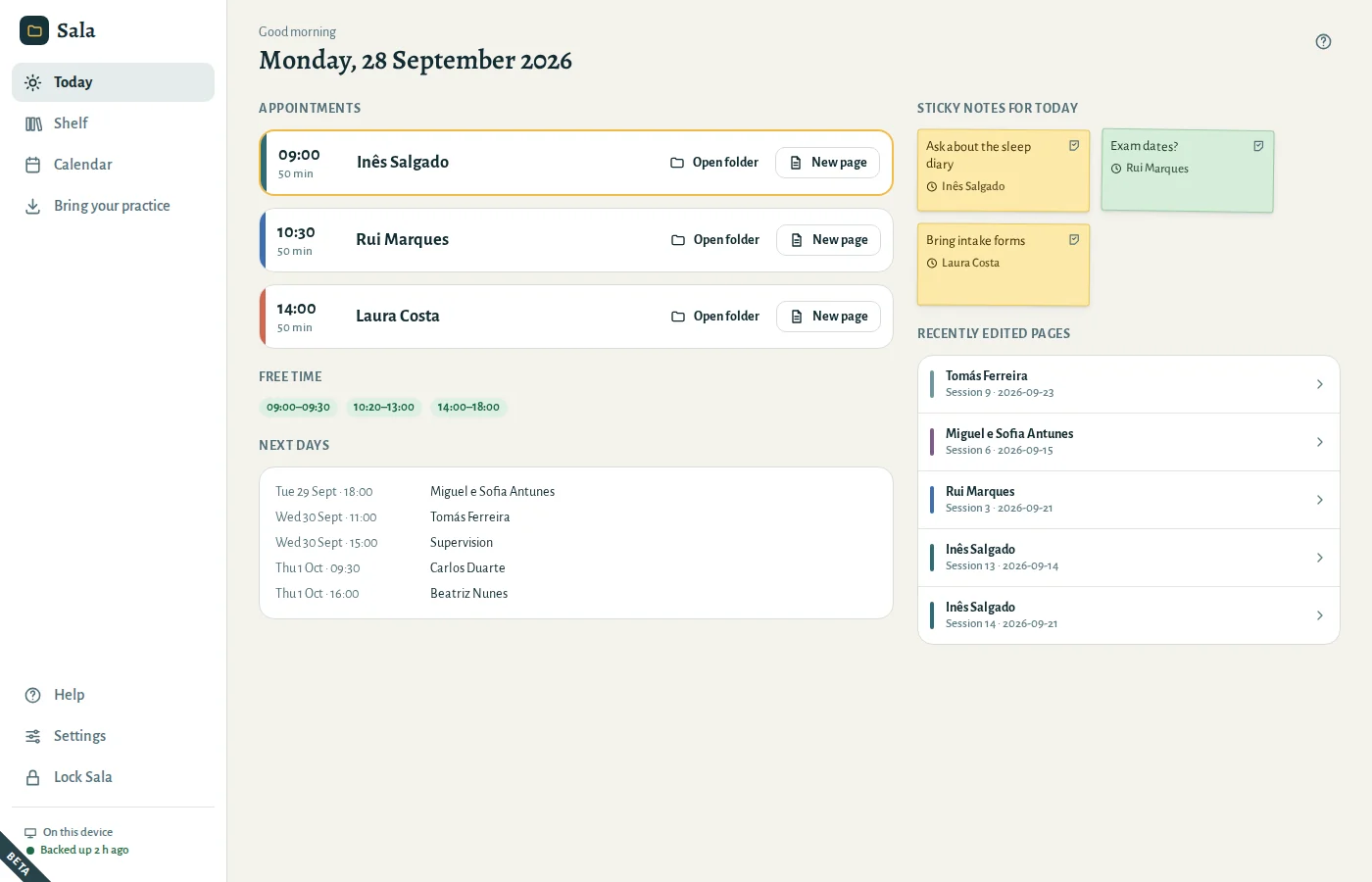
Three minutes with a psychologist in Lisbon on her first day with Sala: setting it up, bringing in her old files, and an ordinary working day.
Sala works the way you already do — a folder for each patient, a page for each session, notes on the cover. It just doesn't get lost, and it locks when you step away.
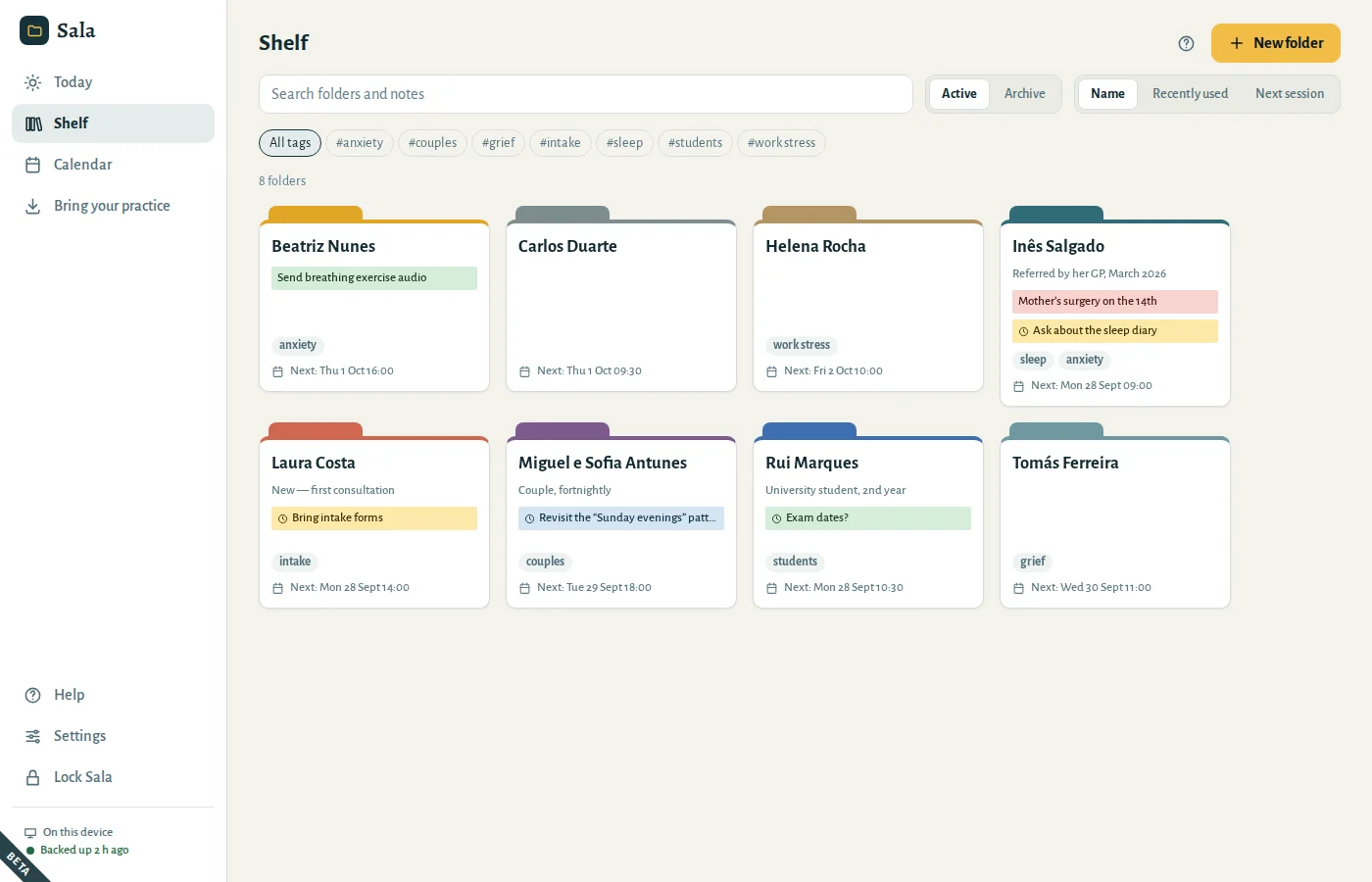
Every patient has a folder with a coloured tab, tags and the date of the next session. Search across folders and notes, and archive a folder when therapy ends.
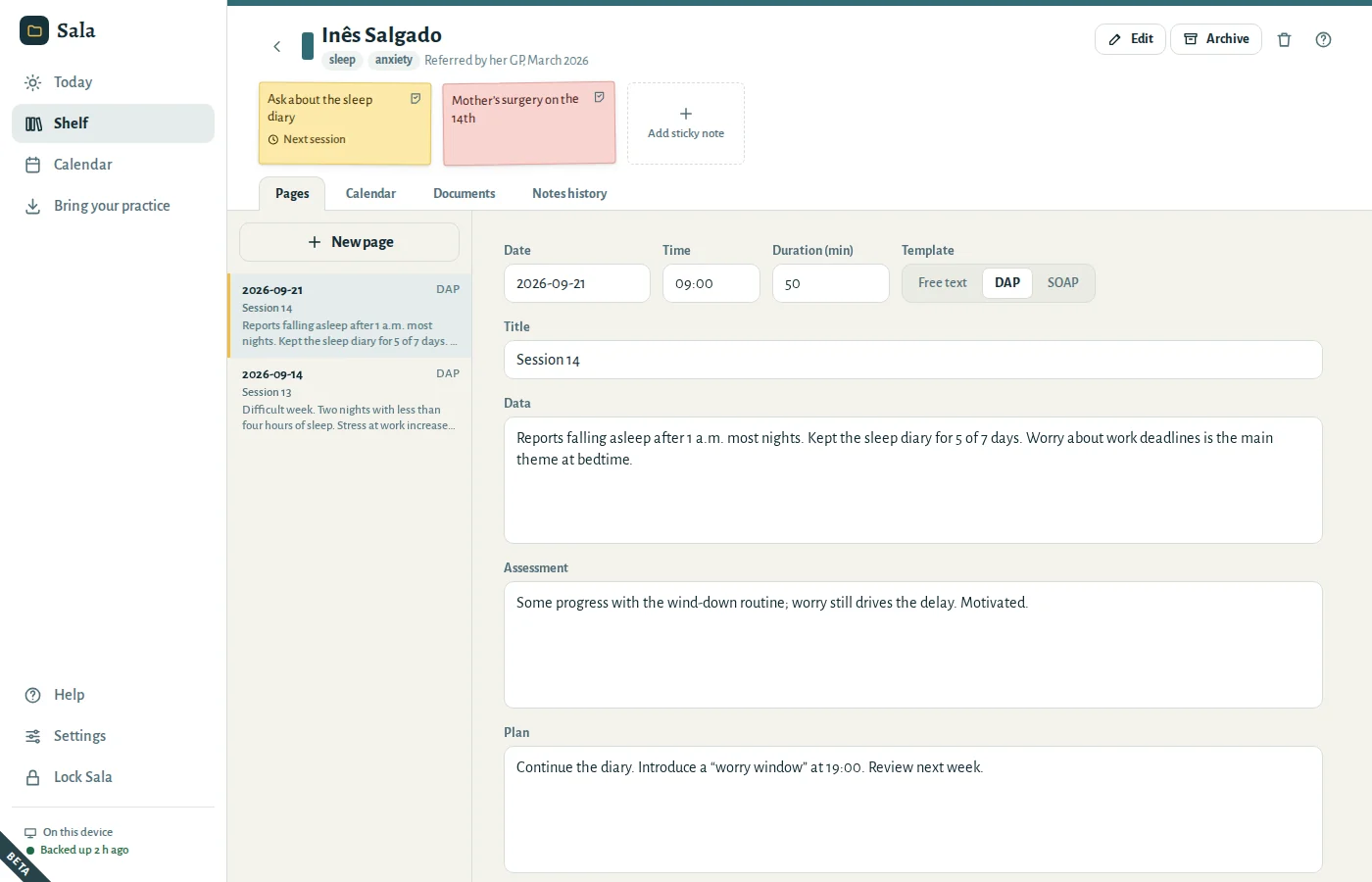
Write in free text, or use the DAP and SOAP templates. A private process note stays apart from the clinical record.
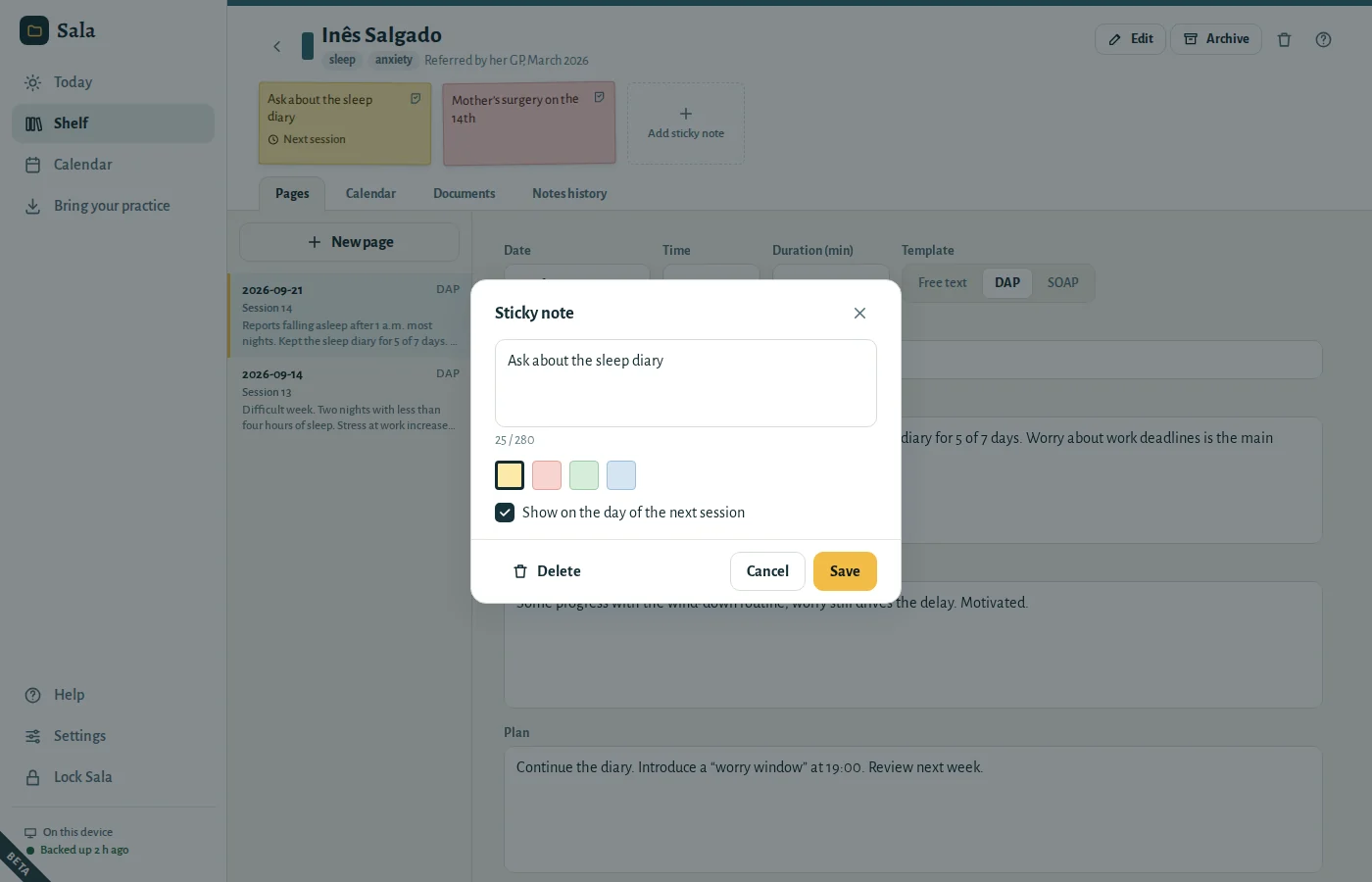
Put a note on the cover of a folder or on a page. Mark it “next session” and it appears on the day of that patient's next appointment.
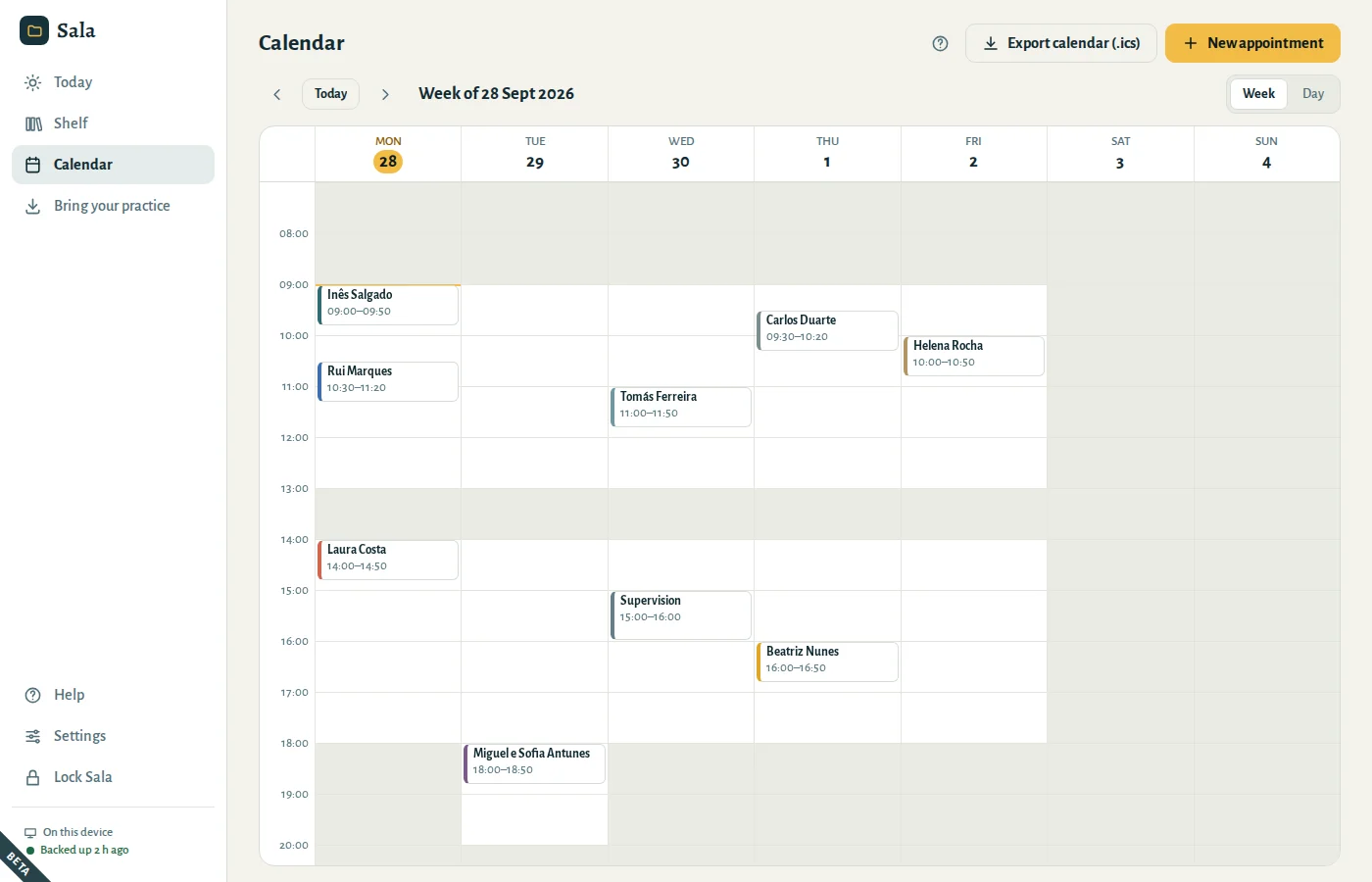
Weekly and fortnightly appointments, working hours, days off and appointment types, with your free time at a glance. Export to Google Calendar, Outlook or Apple Calendar — with initials only, by default.
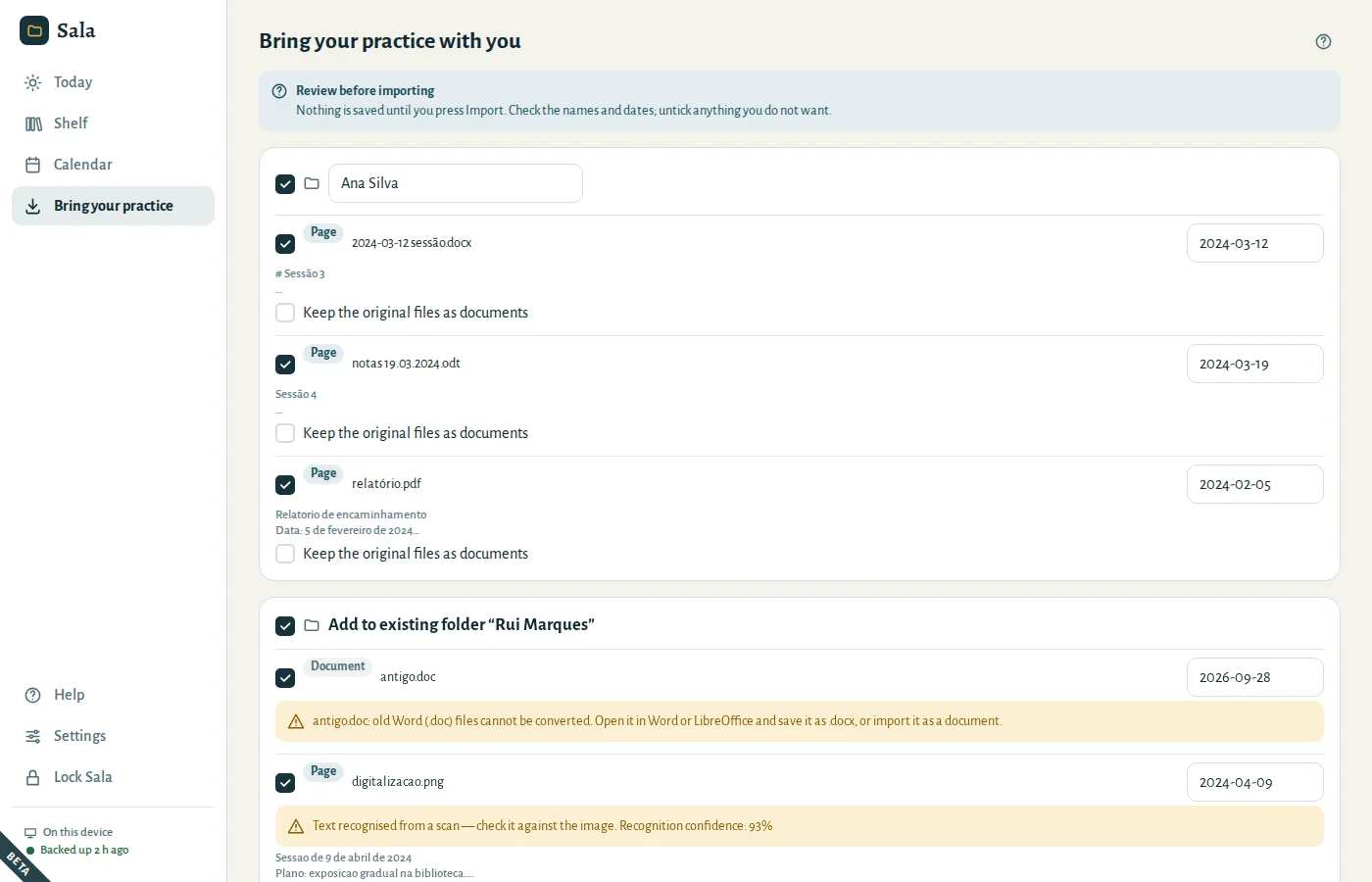
Point Sala at the folder where your notes live today: Word, OpenDocument, text and PDF files, photos and scans of paper notes. Text is recognised on your computer, and you check every name and date before anything is imported.
Your notes are among the most sensitive records there are. Sala keeps them where you can see them: on your own computer.
Your practice is encrypted with a key that only your passphrase — or your 12-word recovery phrase — can unlock. Sala locks itself when you step away.
There is nothing to sign up for, and Sala works completely offline. It goes online only if you choose to: to check for new versions, to play the tour, to fetch its speech module for transcription, to send anonymous usage statistics, or to connect to The Human Loop.
A page in Settings lists every way data can leave your computer — a backup, an export, a calendar file, an update check, the tour film, the speech module — and each one happens only when you choose it.
An encrypted backup every day, to a folder you choose: a USB drive, or the folder of your own cloud drive.
One .sala file holds your whole practice in open formats — Markdown, FHIR and iCalendar — that other programs can read.
When you start, Sala gives you a recovery phrase to write down. With it you can always get back in, even if you forget your passphrase.
It works, and it is still changing: we are refining it with the first therapists who use it, and your feedback shapes what comes next.
Free, for your own computer. Choose your system.
Windows 10 and 11 · version
For your Mac · version
64-bit PC (x86-64) · version
On its way
The first Linux beta build is being prepared. Write to us and we'll tell you the moment it's up.
Tell me when it's ready